LIGHTWEIGHT
Lightweight from the first click.
One Windows EXE, ready to run. TumblingCat uses your system’s WebView2 runtime to keep the app itself small.
6.35MiBWindows portable EXE
v0.5.5 app size
v0.5.5 app size
WINDOWS & ANDROID · FREE & OPEN SOURCE
A lightweight, open-source Markdown reader and editor with comfortable typography.
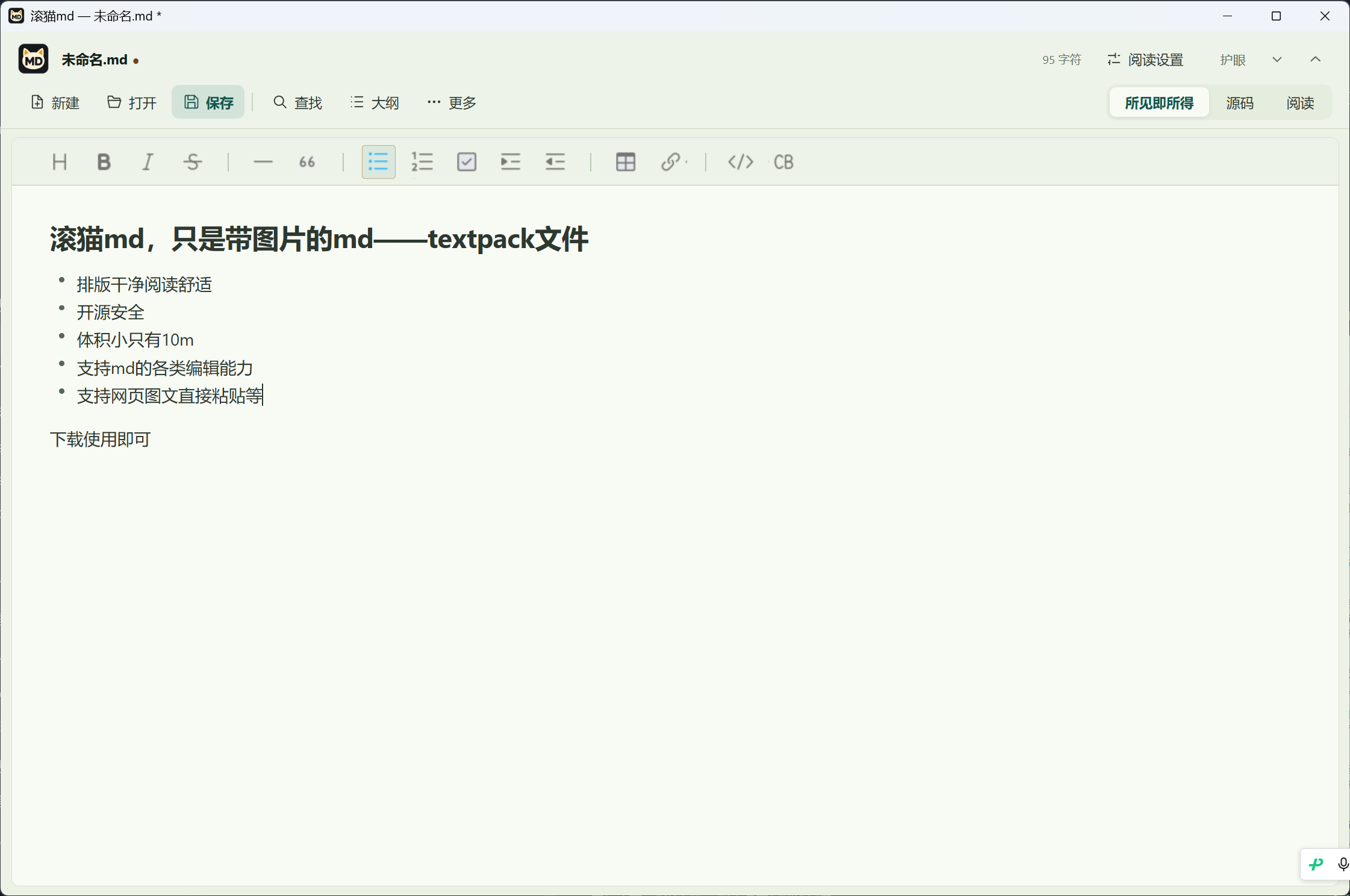
Supports .md and image-packed .textpack files. Your words and pictures travel together.
01 / LESS, BUT BETTER
Room for your words.
Freedom to make it yours.
One Windows EXE, ready to run. TumblingCat uses your system’s WebView2 runtime to keep the app itself small.
Source code you can inspect, under Apache-2.0. No account required, no editor usage analytics. Your documents are read and saved locally.
Work with familiar .md files, or bundle Markdown and local images into one .textpack. Illustrated notes are easier to move and share.
Meet single-file illustrated notesSwitch between WYSIWYG, source, and reading views. Adjust type size, line spacing, and page width. Choose black, white, or a soft green theme.
Your documents do not need to be uploaded. Remote images and web pastes may connect to the relevant image servers.
02 / ONE FILE. ALL TOGETHER.
Screenshots, reference images, and words.
All packed neatly into one file.
Create a TextPack or save an existing Markdown document as one. Embedded images travel with the file, making it easy to move between your computer and phone.
Conversion bundles accessible local images. Existing remote images keep their original URLs.
Download a TextPack sample03 / READY WHEN YOU ARE
A lighter way to read and write.
Windows 10 / 11 · Portable
One EXE. Double-click and begin.
Download for WindowsRequires Microsoft Edge WebView2 Runtime.
Android 7.0+ · ARM64
Take your reading and ideas with you.
Download for AndroidUses the system file picker. No broad storage access needed.
READ. WRITE. TAKE IT WITH YOU.
A Markdown note can lose its pictures when you copy only the .md file. TumblingCat can bundle Markdown and accessible local images into a single TextPack document.
TumblingCat is a free, open-source Markdown reader and editor with a portable Windows EXE. Switch between formatted editing, source, and reading views without creating an account.
TumblingCat for Android opens local Markdown and TextPack notes with embedded images. The current APK supports ARM64 devices running Android 7.0 or later.
TextPack stores Markdown and local images in one file. Open .textpack or .md.textpack documents in TumblingCat, or use a ZIP utility to extract the text and attachments.
Opening the Markdown text does not guarantee that an app can access its images. First identify local files versus remote URLs, then check paths, permissions, and formats.
TumblingCat can export a complete Markdown document to PNG images or copy selected text as an image. Long documents are split into numbered pages, so you do not have to capture each screen manually.
A regular .md file contains Markdown text; local images usually live in a folder beside it. A .textpack stores the text and images in one ZIP container. A name such as notes.md.textpack works too—the extension is still .textpack. Other editors need TextPack support to open it directly. You can also unzip it to access the text and attachments.
No account is needed. Documents are read, edited, and saved on your device. TextPack documents with embedded images also work offline. Displaying or exporting remote images and pasting web content requires access to the corresponding image URLs.
Yes. Chapter outlines, reading preferences, and position restoration help you keep your place. Documents of 2.5 MiB or more open with viewport rendering, reducing the work of laying out the entire document at once. This lightweight preview may display complex formatting differently from regular documents.
You save the original document manually. Unsaved changes are kept in local recovery drafts, with up to five drafts retained. TextPack drafts include embedded images. Recovery drafts offer limited recovery; save and back up important work regularly.